Sign out
Back to all
Accounts Receivable
QuickBooks
October 1, 2026
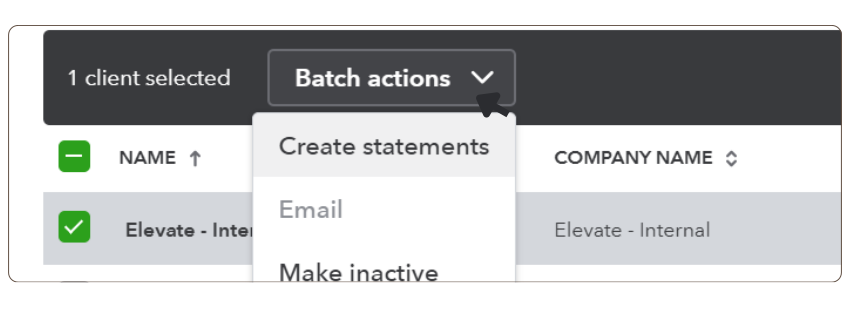
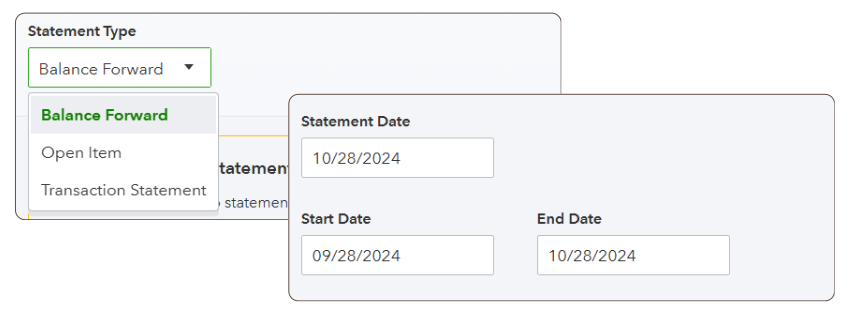
If you make changes to a transaction on a statement, the statement will automatically update to match.
How to review reports on QuickBooks.
Review balances, reports and more.
Discover a listing of important reminders as you work within QuickBooks.
Receipt capture
How to capture, upload, and categorize receipts in QuickBooks Online using the mobile app for accurate expense tracking and recordkeeping