To customize the info or design of your invoices, select ⚙ Manage. Then select the options from the side panel. QuickBooks remembers your choices and applies them to all existing and future invoices.
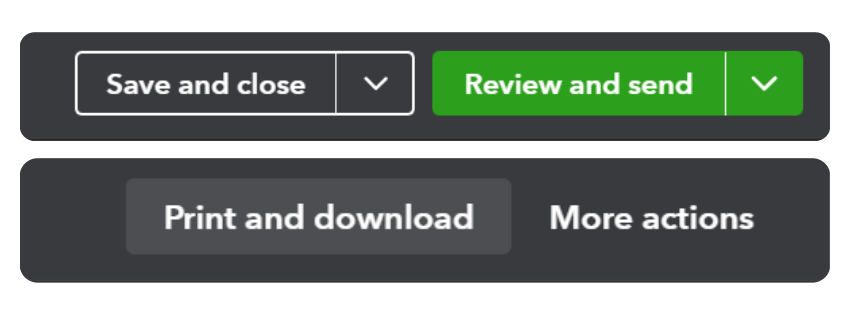
If you're ready to send the invoice, select Review and send to email the invoice to your customer. Adjust the email if needed, then select Send invoice. You can also send invoices via text messages by selecting Text and following the steps.
To send the invoice later, select Save and close.
To print a paper invoice, select Print and download.
If you’ve received a payment from the customer, select Receive Payment.
To send your customer a link to their invoice through text message, select Share link.
You must have your customer's permission to send them invoices by text prior to opting-in to text notifications.