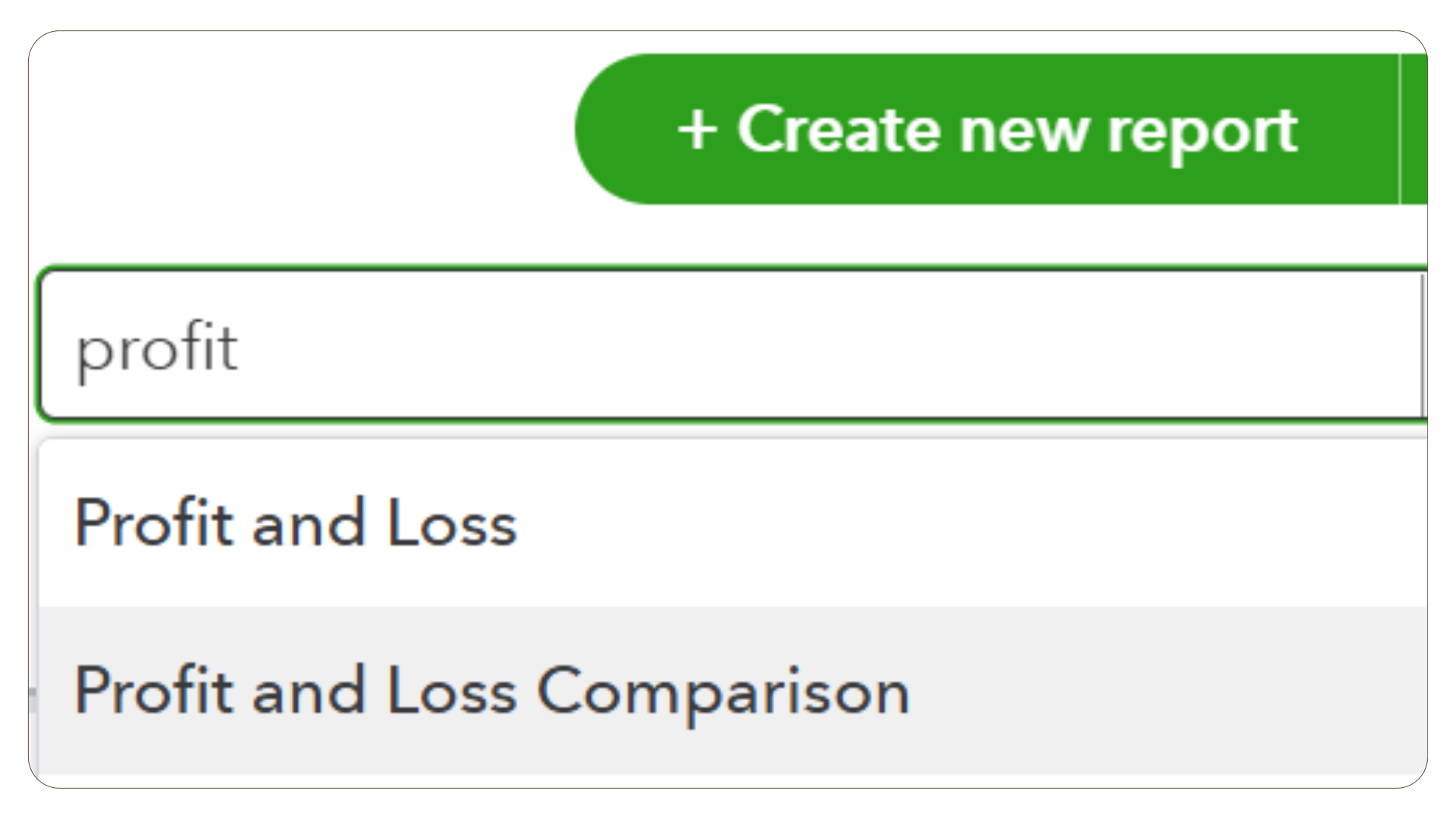
Enter Profit and Loss Comparison in the search field.
You can also find the same report under the Standard tab.
Customize your report
By default, Profit and Loss Comparison Reports show the current year-to-date and the same time period last year. You can change the length of time and dates as needed.
In the Report period dropdown, select the length of time you want to see.
In the date field, select the start and end dates.
In the Compare another period dropdown, select the Previous year checkbox to see the same timeframe and dates last year. Or if you want to see the last period for the length of time you selected, select the Previous Period checkbox.
In the Compare another period dropdown, select the $ change or % change checkboxes to add those columns to the report.
In the Accounting method section, select Cash or Accrual.
When you're ready, select Run report.
ELEVATE INSIGHTS
You can also select Customize to add columns or filter for certain info.