1. Pulling the Reconciliation Report
Steps:
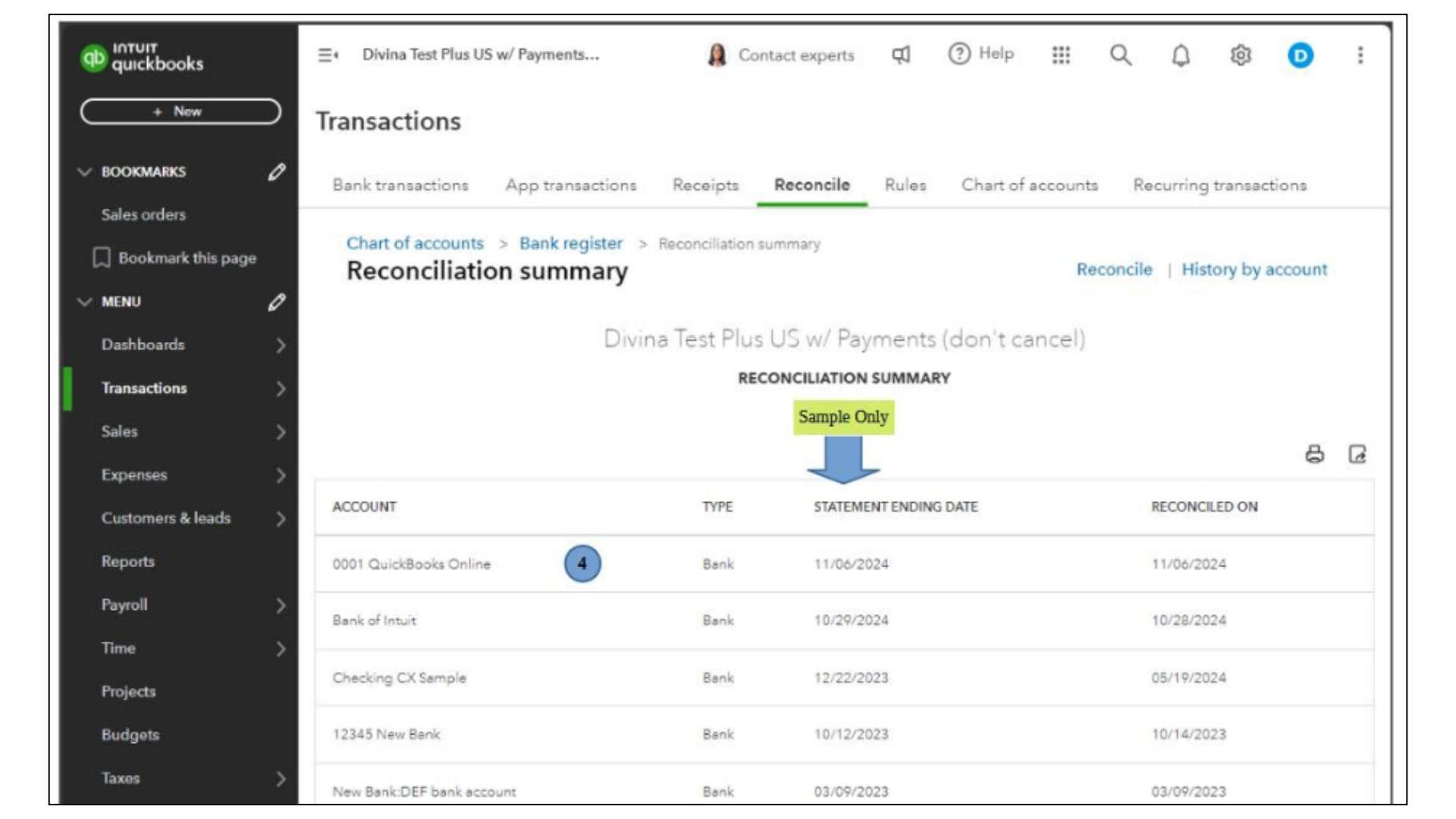
- Go to Reconcile
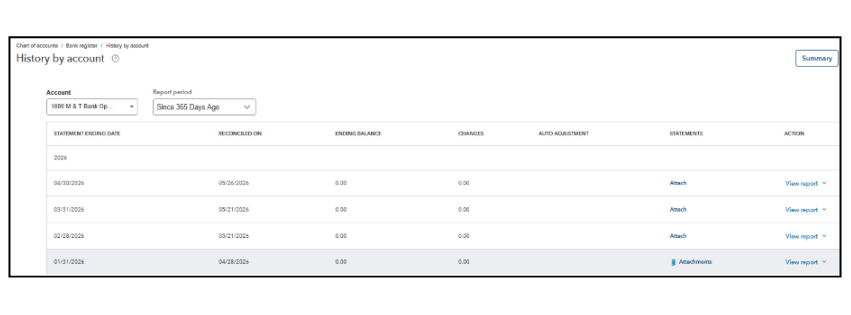
- Click: History by Account
- Select:
- Account (in dropdown)
- Reconciliation period
- Click View Report
What You’re Reviewing:
- Beginning balance
- Ending balance
- Cleared transactions
- Uncleared transactions
2. Understanding the Reconciliation Report
Key Sections:
A. Cleared Transactions
- Items matched to the bank statement
B. Uncleared Transactions
- Items still in QBO but NOT cleared
What to Look For:
- Old uncleared items (red flag 🚩)
- Duplicate transactions
- Missing expected transactions
- Transactions without Payee
3. Running a “Filter Check” (Catch Hidden Issues)
Purpose:
Find transactions that:
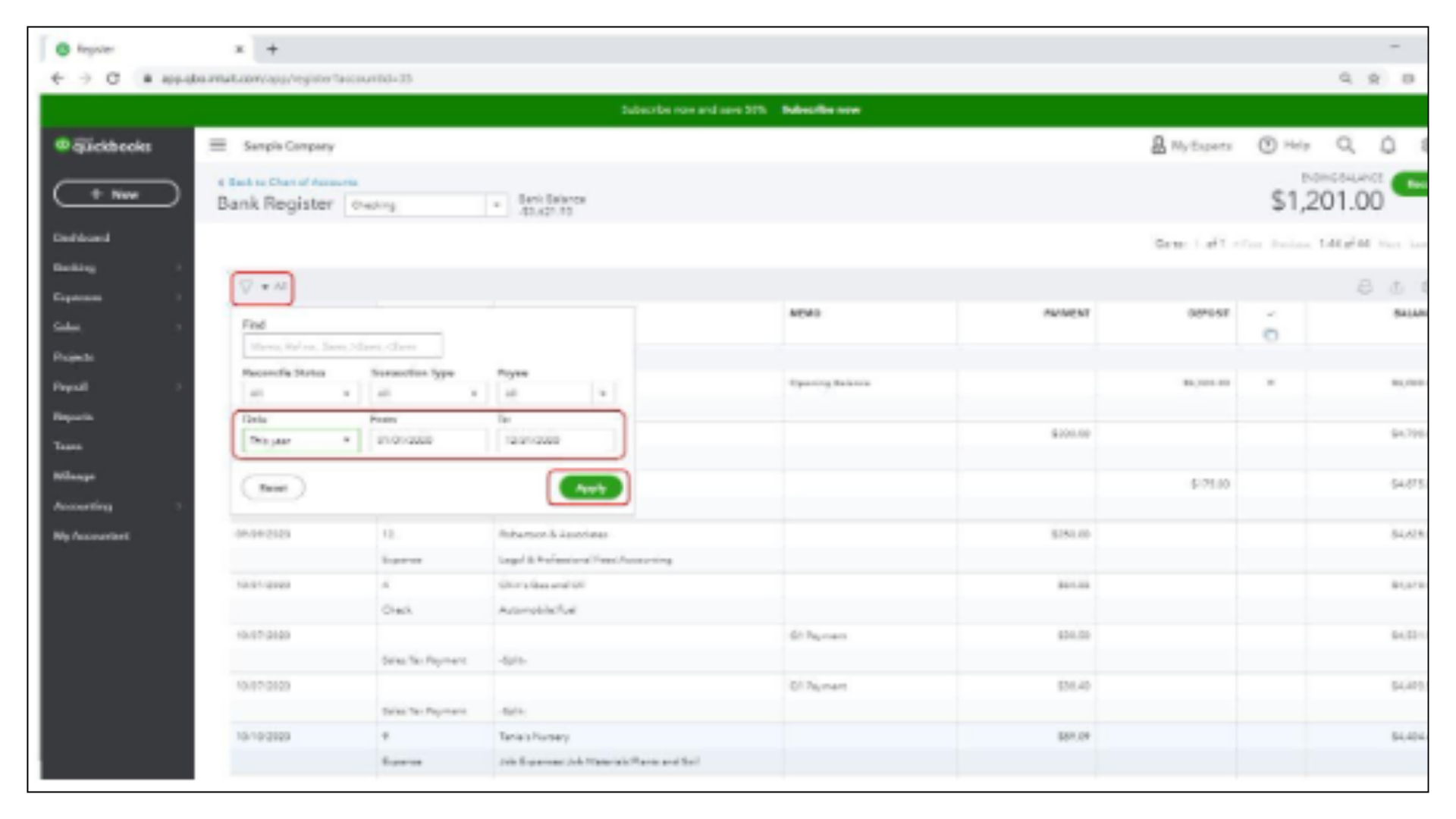
- Not Reconciled
- Were entered within the reconciliation period
- Should have been included but are not reconciled, these could be duplicates (Bill Payments & Received Payments are the most common)
Steps:
- Go to Reports → General Ledger
- Set date range = full reconciliation period
- Customize:
- Filter by account
- Scan for:
- Transactions dated incorrectly
- Entries posted after reconciliation
Alternative Check:
- Run Transaction Detail by Account
- Filter for:
- Specific account
- Specific timeframe
4. Reviewing Journal Entries (Adjustments)
Steps:
- Go to Reports → Journal Report
- Filter for period
What to Look For:
- Large or unusual adjustments
- Entries hitting multiple accounts
- Entries without clear explanation
ELEVATE INSIGHTS
Every journal entry should have:
- Memo
- Supporting documentation
5. Final Accuracy Review (Before Closing Month)
Run These Reports:
- Profit & Loss
- Balance Sheet
- General Ledger