Accounts Payable: View/Edit Payment Information
Back to all


Back to all
How to View or Edit Your Vendor’s Payment Information
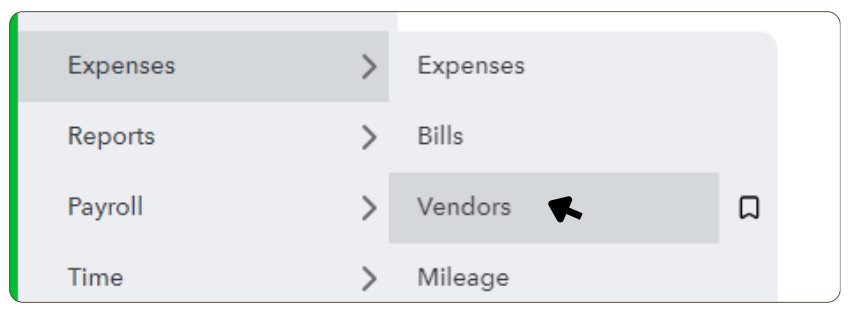
2. Locate the appropriate vendor by searching or looking through the vendor list.
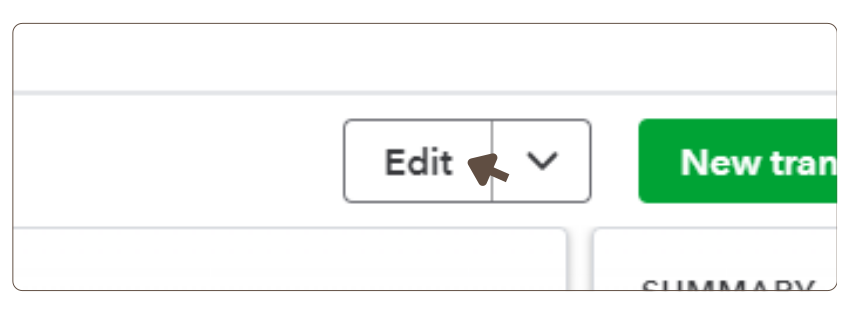
3. Once you select a vendor, you may view and edit their info.
ELEVATE INSIGHTS
Any new or additional info you add for your vendor in the Bill Pay service will update existing payment info for that vendor.