Sign out
Back to all
Data Entry
QuickBooks
October 1, 2026
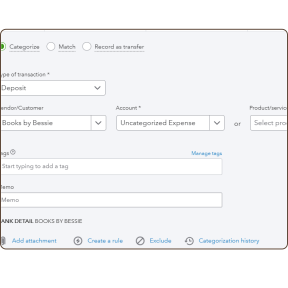
Following the categorization of the original set up from Elevate ensures the correct category is being used for repeating transactions.
How to get a Profit and Loss report.
How to ensure the correct category is utilized for repeating transactions.
Receipt capture
How to capture, upload, and categorize receipts in QuickBooks Online using the mobile app for accurate expense tracking and recordkeeping
How to create and send an invoice.